


Visuals are at the heart of modern marketing. From social media posts and emails to posters, flyers, and ads, everything competes for attention through design. The right visual can elevate a campaign, while a weak one can hold it back. But hiring designers or investing in expensive software is not always practical, especially when budgets are tight. The good news is that solopreneurs and small marketing teams are not stuck. AI-powered design tools now make it possible to mix automation, ready-made templates, and smart editing features to create eye-catching designs without spending a fortune.
To help you find the best fit, let’s take a closer look at some popular options. We will compare their features, ease of use, pricing, and marketing capabilities, so you can confidently choose a tool that matches your goals, workflow, and budget.
What are some affordable AI design tools that help marketers create high-impact visuals?
- Fotor

Fotor is a popular AI-powered photo editing and graphic design tool, best known for its smart image enhancement features. With tools like one-click photo retouching, background removal, and AI image generation, it makes improving visuals fast and effortless. If you work heavily with product photos or portraits, Fotor helps you achieve polished results without needing advanced editing skills.
The interface is clean and easy to navigate, though it leans more toward photo editing than complete marketing design. While Fotor does offer templates for posters and social media, customization can feel a bit limited. You might also find yourself jumping between editing and layout tools instead of working in one smooth, connected flow.
For those watching their budget closely, Fotor includes a free plan with watermarked downloads. Its paid plans remain affordable and unlock all the essential features. If your main focus is enhancing images with AI and creating simple designs rather than managing full marketing campaigns, Fotor fits the bill nicely.
- Snappa
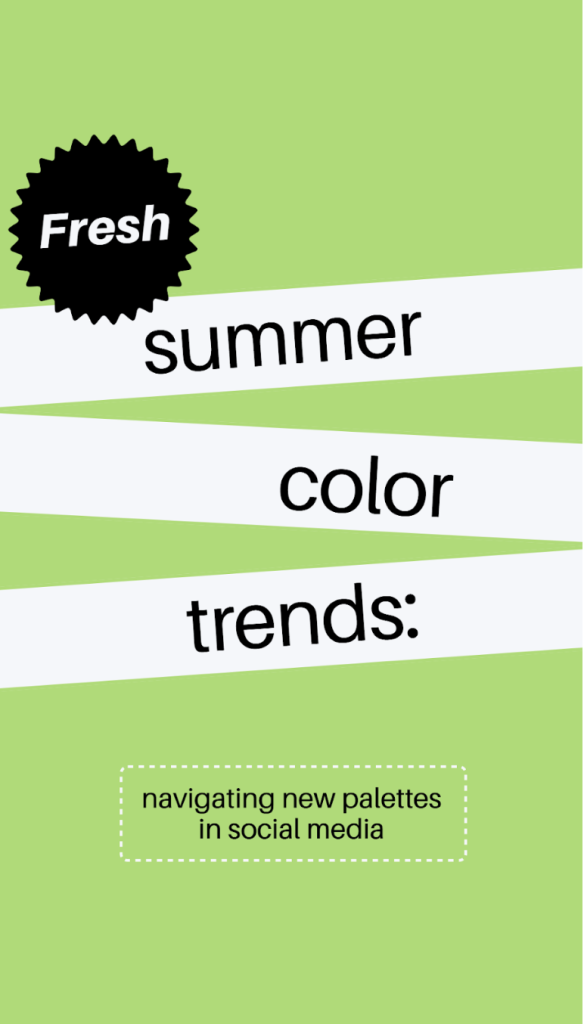
Snappa is a go-to choice for anyone who values speed and simplicity. It comes with thousands of pre-sized templates for social media graphics, ads, and banners, making it easy to get started right away. The platform also includes basic AI-assisted features like background removal and layout suggestions. Combined with a large library of royalty-free stock photos, Snappa lets you create clean, professional-looking designs in just minutes.
The editor itself is straightforward and beginner-friendly, which is great for solopreneurs who want quick results without overthinking the design process. That said, Snappa keeps things intentionally simple. It does not offer advanced AI creativity tools like image generation or deeper smart editing features, which some marketers may miss.
Snappa’s free plan provides basic access with limited downloads, enough to test the platform. Paid plans unlock unlimited downloads, premium templates, and full access to the stock library. If you post regularly or manage multiple marketing visuals, upgrading to a paid plan can easily be worth it.
- Canva
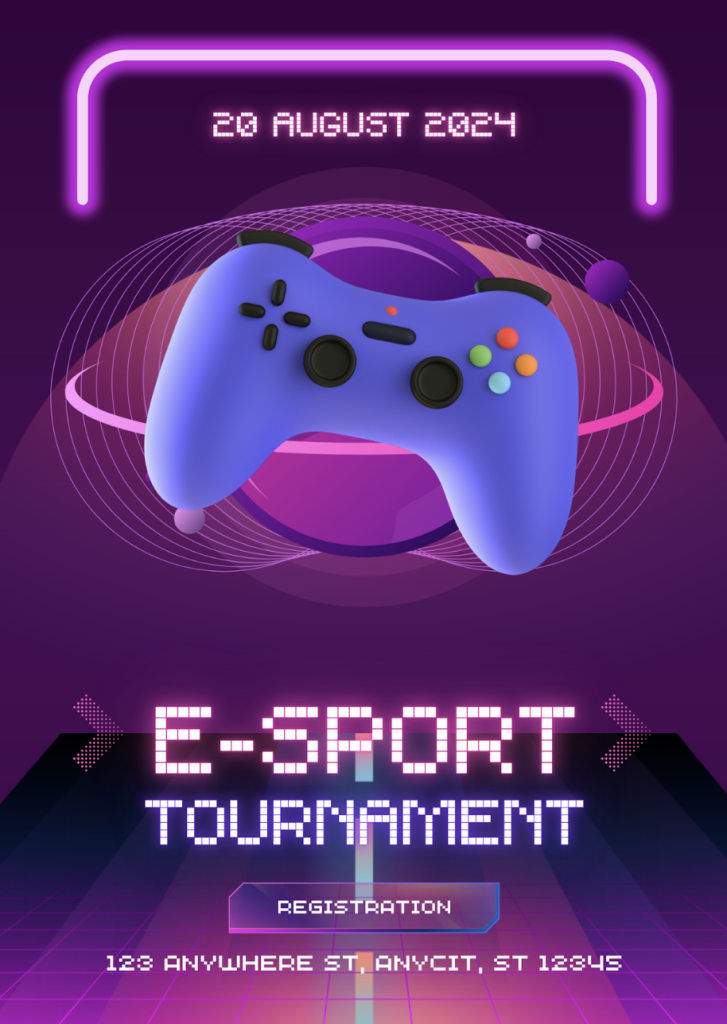
Few design tools are as popular or widely used as Canva. With thousands of templates covering almost every content type imaginable, it is easy to see why. Canva is packed with AI-powered features like text-to-image generation, background removal, magic resize, and copy suggestions. Its versatility is a big draw, allowing marketers to create everything from Instagram posts to simple videos in one place.
The drag-and-drop editor and intuitive interface make designing feel smooth and approachable, even for beginners. You do not need to jump between multiple tools to get things done. That said, as Canva keeps adding new features, the interface can start to feel a little crowded. On top of that, many of the more powerful AI tools are locked behind paid plans, which can be a stretch for solopreneurs and small teams.
Canva’s free plan is useful for basic design needs, but the paid plans are where the platform really shines. They unlock the full template library, advanced AI features, unlimited downloads, and brand kits, making Canva a solid choice.
- VistaCreate

VistaCreate is a bit of a hidden gem, especially if you want to create motion-based ads or animated posters. It comes with thousands of social-ready templates that are already sized for different platforms, along with stock photos, illustrations, and stickers. Add in AI-assisted background removal and resizing tools, and you can put together a polished design in just a few minutes.
The editor is clean, visual, and easy to work with, which keeps the design process feeling light and approachable. Its AI features are practical rather than creative, though. While VistaCreate handles everyday marketing workflows well, it does not offer the same level of AI image generation or built-in marketing tools as PosterMyWall.
There is a free plan that is quite usable if you are working with a limited budget. The paid plans are competitively priced and unlock all features, including its AI tools, even if they are fairly basic.
- Piktochart
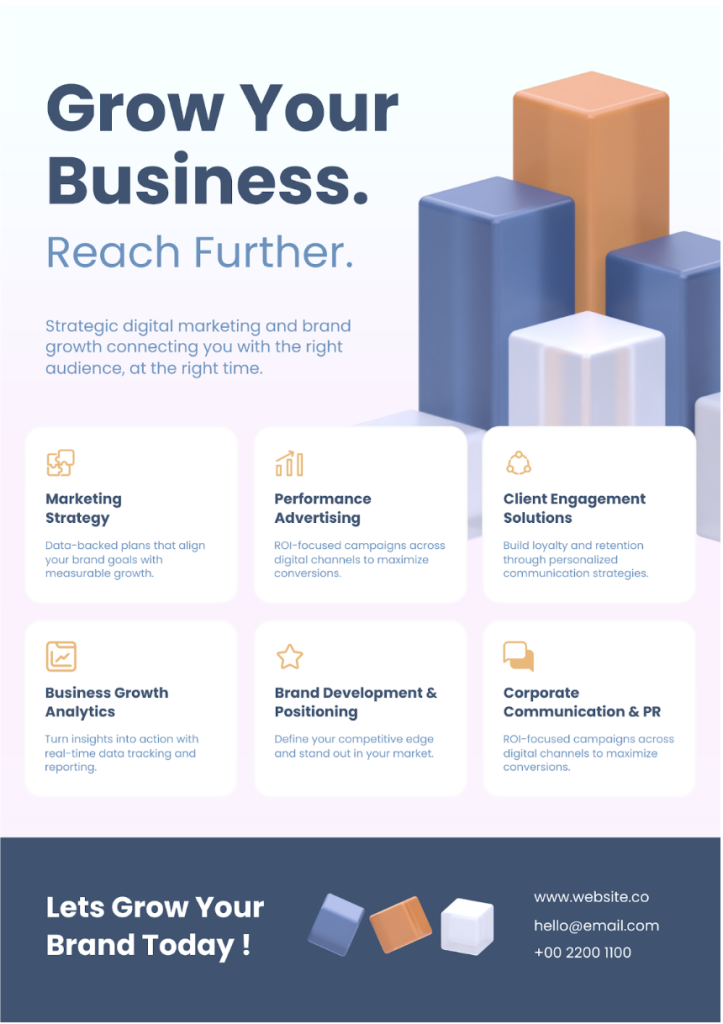
If your designs rely heavily on data, infographics, or reports, Piktochart is worth a closer look. It helps you turn numbers into clear, data-driven visuals at impressive speed. Its AI tools assist with creating infographics and charts, organizing content, and managing layouts, all while making visual storytelling feel simple and approachable. The platform focuses on clarity, without the complexity found in some other design tools.
The interface is clean and easy to navigate, with a strong emphasis on structured, data-focused visuals. This focus does mean it is less flexible when it comes to creative poster design or social media marketing. Piktochart works best for analytics-heavy content, but it is not designed to be a standalone solution for running full-scale marketing campaigns.
Pricing is reasonable, with paid plans unlocking branding tools, high-resolution downloads, and advanced AI features. If you prefer not to spend right away, the free plan is good enough for a limited set of templates and basic export options.
- PosterMyWall

PosterMyWall is a powerful all-in-one design platform built with solopreneurs and small marketing teams in mind. It brings everything together in one place, from ready-to-use templates and videos to email marketing tools and a built-in content scheduler. What really ties it all together is AI, seamlessly woven into the experience. Features like AI Images for generating visuals and an AI Background Remover for quick edits make designing faster and easier. With layout suggestions, auto resizing, and smart text adjustments built in, the platform helps you stay in the flow instead of jumping between multiple tabs.
Where PosterMyWall truly shines is its ease of use. The drag-and-drop editor is fast, intuitive, and beginner-friendly, with virtually no learning curve. Thousands of high-quality templates and an extensive stock library mean you are never starting from scratch. Smart editing features work quietly in the background, helping everything come together smoothly to create polished, professional designs.
PosterMyWall offers a free plan with unlimited designs and watermarked downloads, making it easy to get started. Its paid plans are affordably priced and unlock the platform’s full capabilities, including access to all AI features.
Conclusion
Every tool brings something different to the table, with some shining in specific areas and others covering more ground. If you are a solopreneur working on a budget, PosterMyWall stands out as the most well-rounded choice. It is intuitive yet powerful, packed with AI features, and combines design and marketing into one affordable solution.
FAQs
Can I use AI Images for marketing legally?
Most platforms allow commercial use, but always review usage terms before publishing.
Which tool is best for posters and promotions?
PosterMyWall offers the strongest poster-focused templates and marketing features.
Do free plans work for professional use?
Free plans are good for testing, but paid plans usually unlock watermark-free and high-resolution exports.
Tips for choosing the right AI tool
- Define your main design needs (posters, social media, ads, infographics)
- Check how strong the AI features are, not just how many exist
- Evaluate ease of use if you’re working solo
- Compare free vs paid value, not just monthly price
- Choose a tool that supports marketing, not just design
More Stories
The Heartbeat of Community: Where Bonds Are Forged and Stories Begin
Creative Gathering: Unique Event Ideas to Wow Your Guests
Unlock Joy: 5 Unforgettable Social Gathering Activities That Bring People Together